UI Setups
Save your current setup before trying another. Configurations are specific to their product and game client. Check the author's product, client and version notes before importing.
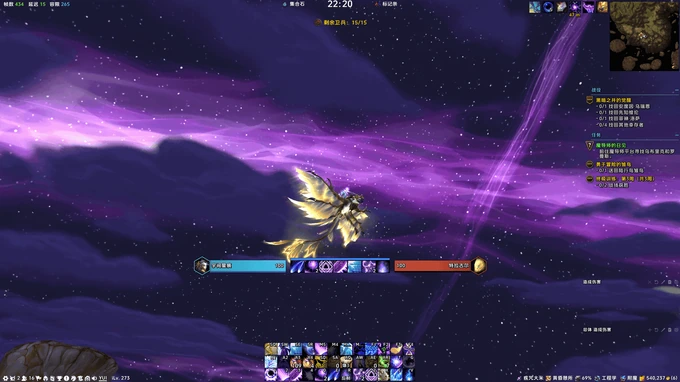
YUI · EllesmereUI
Retail · All classes
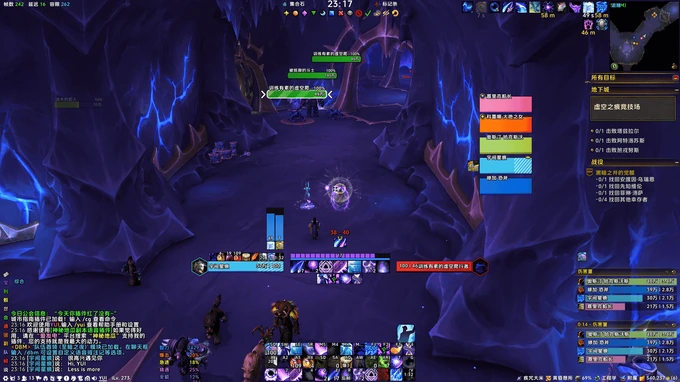
YUI · EQoL
Retail · All classes
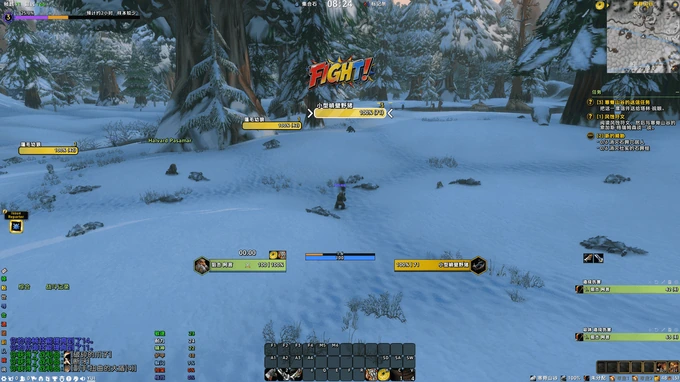
YUI · Forever
Forever · All classes
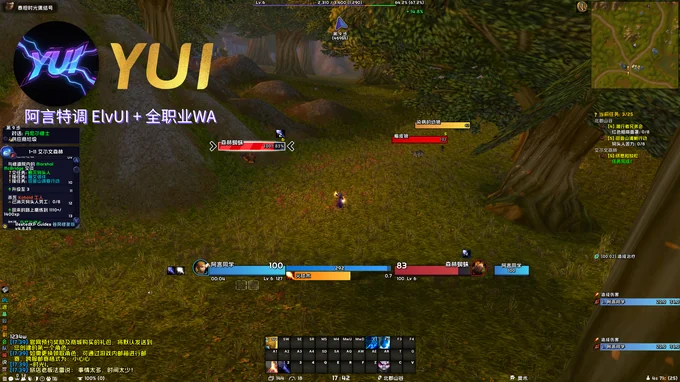
YUI · Shiguang Permanent
Titan Reforged (Shiguang) · All classes
Back up your settings before importing
Before using a shared setup
- Open the setup details and check the game version and client folder first.
- Before a first full installation, exit the game and back up WTF and Interface, then follow that setup's installation guide.
- Choose either NetEase DD or NewBeeBox. Use the platform's update feature for routine updates without clearing these folders again.